

You launch a Google Ads campaign.
The clicks start coming in. A few days later, you open your dashboard and see you’ve spent tens of thousands of rupees. While setting up a campaign, you’d expect a steady stream of incoming leads; instead, you watch Google drain your budget with little ROI to show for it.
The truth is, advertising on Google has become more competitive. In Pakistan, overall monthly budgets for most businesses now range between Rs. 30,000 and Rs. 300,000, with individual cost-per-click (CPC) rates fluctuating anywhere from Rs. 20 to Rs. 800 based on industry saturation and auction density.
While local service providers can establish a baseline presence starting around Rs. 50,000 a month, hyper-competitive niches like real estate, education, and healthcare demand a steep premium, frequently requiring Rs. 200,000 or more just to maintain consistent search visibility.
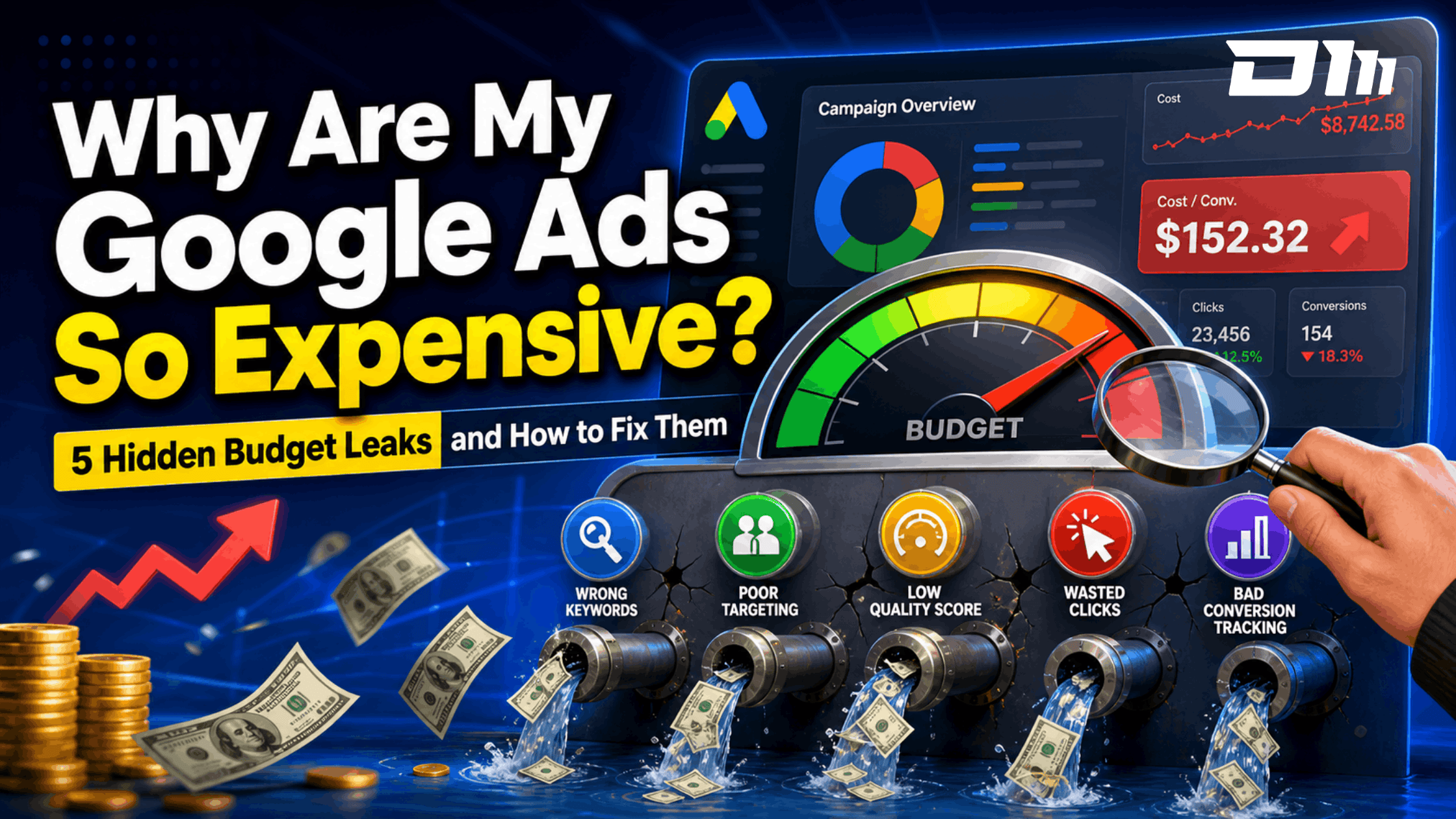
The good news is here; we explain four of the biggest reasons advertisers overpay for clicks and show how to lower Google Ads costs, reduce CPC rates and uncover some of the most effective Google Ads optimisation secrets.

The 4 Hidden Budget Leaks Driving Up Your Google Ads Costs
If your campaigns are costing more every month, there’s usually more than one issue at play. These four hidden budget leaks quietly spike your CPC, reduce ROI, and block Google algos to find/target your right customers.
Leak 1: The “Broad Match” Default Trap
Google wants your ads to reach more people.
That’s great in theory. In practice, it is one of the biggest budget drains for new advertisers. When you create a new campaign, Google nudges you along a pre-set path. Part of the path includes setting the keyword match type, which is Broad Match by default.
Broad Match gives Google’s algorithm total creative freedom. For instance, if you’re bidding for “commercial office cleaning services”, your ad could appear for searches like:
- Cleaning jobs near me
- Office cleaner salary
- DIY office cleaning checklist
- Free cleaning supplies
Are all these keyword searchers looking to hire you? Absolutely not. Yet you still pay top-tier for each irrelevant click.
How to Fix It:
Fortunately, fixing this budget leak is relatively straightforward once you take control of how your keywords are matched and filtered.
- Switch to Exact Match or Phrase Match: Use Phrase Match (quotation marks) or Exact Match (square brackets) for your high-intent keywords. This tells Google to show your ads only when a user’s search query closely matches the commercial intent you’re targeting.
- Build a Negative keyword List: Do not wait for a bad click to ruin your campaign. Check your search term report every week and proactively block unrelated terms. If you’re a premium service provider, then search terms related to products, free, DIY, and jobs do not relate to your campaign and need to be immediately added to the negative keyword list.
Leak 2: Poor Quality Score (The Hidden 50% Penalty)
Think of Quality Score as your advertising credit rating. Google rates every one of your keywords on a scale of 1 to 10 based on:
- Expected click-through rate (CTR)
- Ad relevance
- Landing page experience
Many advertisers obsess over bids, but Google obsesses over relevance. That’s because Google’s goal isn’t to show the advertiser willing to spend the most. It’s to show the ad most likely to satisfy the searcher.
A low Quality Score tells Google Ads isn’t delivering a great experience. And if your ad or landing page is subpar, Google forces you to pay a literal penalty tax to hold your ad space.
A Quality Score of 3-4 doesn’t just hurt ranking. It quietly increases your advertising costs every single day.
If your competitor has a Quality Score of 10 and you have a Quality Score 5, they could literally be paying half of what you pay for the exact same top position on the page. That is how you drastically reduce cost per click for Google ads.
How to Fix It
The goal here is simple. Tighten your targeting so every click is intentional, relevant, and far more likely to convert instead of drain your budget.
- Hyper-Target Your Ad Copy: Do not dump fifty different keywords into a single ad group. Break your campaigns into tightly themed groups so your ad copy can match the user’s exact search intent perfectly.
- Fix Your Landing Page: Does your website take five seconds to load on a mobile device? Does your landing page actually deliver the exact answer promised in your ad headline? If not, you need to fix it and deliver a seamless user journey.
Also Read: Paid Advertising Guide for SMEs | Google Ads Services in Karachi
Leak 3: Broken or Blind Conversion Tracking
This might be the biggest mistake advertisers make in 2026.
We live in an era of smart bidding where Google’s artificial intelligence makes real-time bidding decisions for you. But an algorithm is only as smart as the data you feed it.
If your conversion tracking is completely broken, unverified, or tracking the wrong metrics, your campaign costs will skyrocket. We’ve audited accounts where:
- Form submission were counted twice
- Spam enquiries were treated as conversions
- Phone calls weren’t tracked
- Purchase values weren’t passed back to Google
- GA4 and Google Ads conversion conflicted
The algorithms genuinely believed these campaigns were succeeding, but in reality they weren’t. As Google’s Smart Bidding learns from incorrect signals, it begins targeting users who resemble your poor-quality leads.
How to Fix It:
Here are two practical ways to fix this so your conversion tracking feeds Google ads clean, reliable data and improves campaign efficiency.
- Audit Your Tracking Tags: Ensure your Google Tag is firing accurately. Use tools like Google Tag Assistant to verify that conversions are only recorded when a genuine leak form is completed or a purchase is made.
- Pass Deeper Data to Google: Move away from basic browser-based pixel tracking. Setting up server-side tracking and Enhanced Conversions gives the machine learning model the precise data patterns it needs to find genuine buyers rather than casual browsers.
Leak 4: Unsegmented Target Settings (Locations & Smart Devices)
One campaign. One country. One audience. One bid strategy.
It sounds simple. It’s also incredibly inefficient. Many businesses target entire countries when their customers only exist in a handful of cities.
But unsegmented target settings are silent budget killers. A click from a desktop user in London might convert at 8%, while a click from a mobile user in a rural area might convert at 0.5%. But if you treat both of them exactly the same way, you’re bleeding cash.
Secondly, if your website performs poorly on mobile but 80% of your clicks come from smartphones, you’re paying a premium CPC for visitors who leave almost immediately.
How to Fix It
Fixing this starts with understanding where your budget is actually going and cutting out segments that are quietly draining it.
- Analyse Device and Location Performance: Dive into your Google ads data segments. Look at the performance breakdown by device type and location. Target high-converting locations and exclude regions with poor performance.
- Apply Bid Adjustments: If mobile devices are generating high traffic but zero sales, adjust your bids downward for mobile or pause mobile targeting entirely until your website layout is fully optimised.

Stop Letting Google Overcharge You for Clicks
Running Google Ads without proper optimisation is like pouring water into a leaky bucket.
More budget rarely fixes the problem, but better campaign architecture does. Our performance marketing specialists don’t simply adjust bids and hope for the best.
We identify where your budget is leaking, rebuild campaign structures, and create data-driven strategies that help you generate more qualified leads while actively lowering advertising costs. Contact us for a paid marketing plan and let us uncover the hidden opportunities to reduce wasted spend and maximise your ROI.